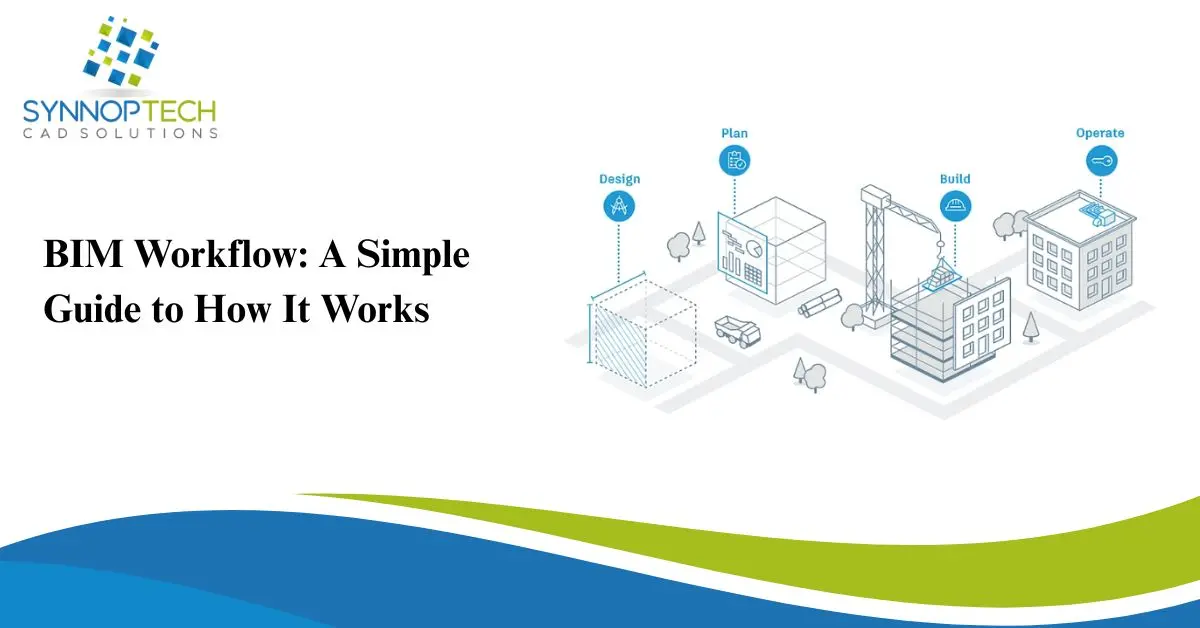
If you work in architecture, engineering, or construction, you’ve probably heard people talk about BIM—short for Building Information Modeling. But what really matters is how the BIM workflow actually works and why so many professionals rely on it today.
Let’s break it down in a simple, friendly way.
What Is BIM?
BIM is a digital process that helps teams plan, design, build, and manage buildings using a shared 3D model.
Instead of everyone working on separate drawings, BIM brings all the information together in one place.
Think of it as a smart digital blueprint that updates in real time.
Why the BIM Workflow Matters
The BIM workflow makes construction projects:
- More accurate
- Easier to coordinate
- Faster to deliver
- Less costly due to fewer errors
It improves communication across architects, engineers, contractors, and clients.
The BIM Workflow: Step-by-Step
1. Planning & Concept Development
The project starts with:
- Requirements
- Goals
- Budget
- Early design ideas
Teams create a basic model to outline the building’s look, size, and purpose. This helps everyone understand the vision early on.
2. Design Development
Here, architects and engineers take the concept and turn it into a detailed 3D model.
This includes:
- Structural design
- Mechanical and electrical systems
- Plumbing layouts
- Material choices
- Energy analysis
Everyone contributes to the same model, ensuring better accuracy.
3. Coordination & Clash Detection
One of the biggest advantages of BIM is clash detection.
This step checks for conflicts—for example, a pipe running through a beam or electrical lines crossing HVAC ducts.
The software identifies clashes automatically so teams can fix them long before construction starts.
This saves time, money, and frustration on the job site
4. Construction Documentation
Once the design is coordinated, BIM generates:
- Floor plans
- Sections
- Elevations
- Schedules
- Quantity take-offs
Because everything comes from the same model, the information is consistent and up to date. If someone changes a wall in the model, it updates everywhere else automatically.
5. Construction Phase
Contractors use the BIM model to guide actual building work.
They can view:
- Dimensions
- Material specs
- Installation instructions
- Sequencing details
Some teams even use BIM on tablets or VR headsets to visualize the next steps.
6. Handover & Facility Management
Once construction is complete, BIM becomes a digital asset for the building owner.
It helps with:
- Maintenance
- Equipment tracking
- Renovations
- Energy management
Instead of digging through old paper files, everything is available in the model.
Benefits of Using a BIM Workflow
- Improves accuracy by reducing human errors
- Enhances collaboration among project teams
- Saves money through better coordination
- Speeds up project delivery
- Creates smarter, more efficient buildings
For large projects, BIM is no longer optional—it’s the standard.
Final Thoughts
The BIM workflow transforms the entire building process from start to finish. It provides a smarter way to design, build, and manage structures using one shared model everyone can trust. Whether you’re an architect, contractor, or building owner, BIM helps you work more efficiently and avoid costly mistakes.